How to Run Your Daily Briefing
The Daily Briefing gives you a complete snapshot of your operations in about two minutes. Run it at the start of every shift to stay on top of low stock alerts, pending transfers, forecasts, and sustainability recommendations.
Steps
-
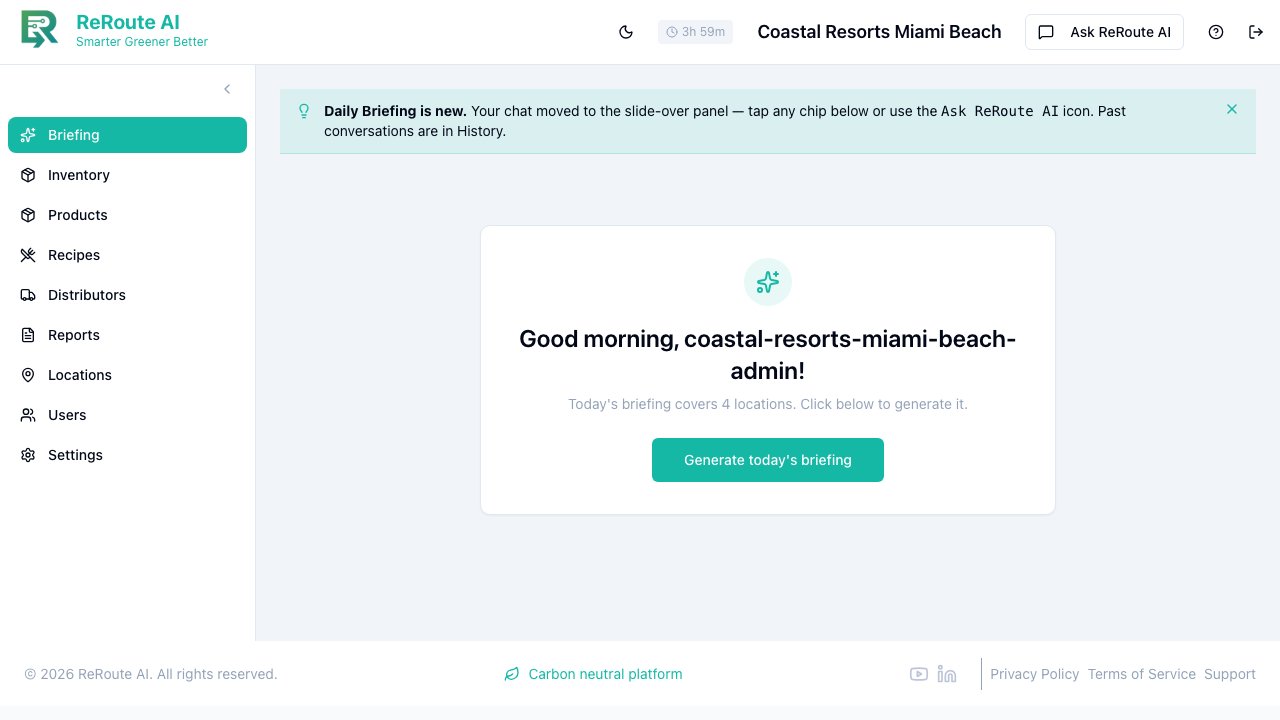
Click Briefing in the left sidebar. This is the first page you see after logging in.
-
On the Briefing page, click the Generate today's briefing button in the center card. (The card also tells you how many locations the briefing will cover.)
-
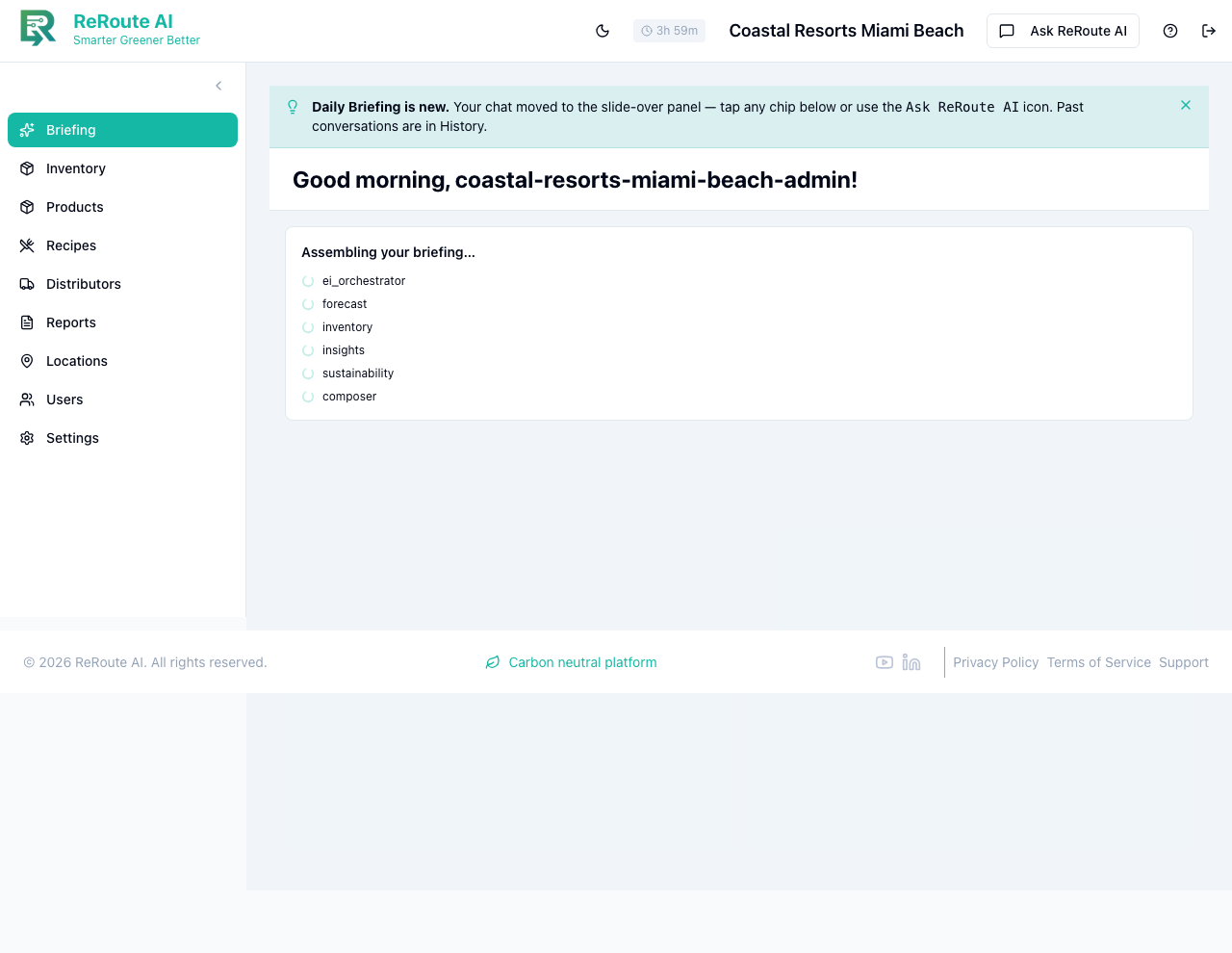
Wait for the AI to finish processing. You will see an "Assembling your briefing…" indicator as the specialist AI agents (forecast, inventory, insights, sustainability, and more) gather data in parallel.
-
Read the completed briefing. It typically includes:
- Attention Items -- products out of stock, pending transfers, and expiring items that need immediate action.
- Key Metrics -- total inventory value, low stock count, sustainability score trend, and recent transfer volume.
- Forecast Summary -- expected demand for today and tomorrow, upcoming events, and top products to watch.
- Recommendations -- suggested reorders, transfer ideas to balance stock, and sustainability swap opportunities.
-
Act on any flagged items. For example, if the briefing flags low stock on a product, navigate to Inventory to check levels and create a transfer or place an order.
You can also open the Ask ReRoute AI panel from the icon in the top-right and type a question instead of generating the full briefing. Try asking "Give me a summary of what I should focus on today" for a more targeted answer. Past conversations are saved in History.