How to Schedule a Report
Instead of generating reports manually each time, you can schedule them to be delivered automatically on a recurring basis. Scheduled reports are sent to your email in the format you choose.
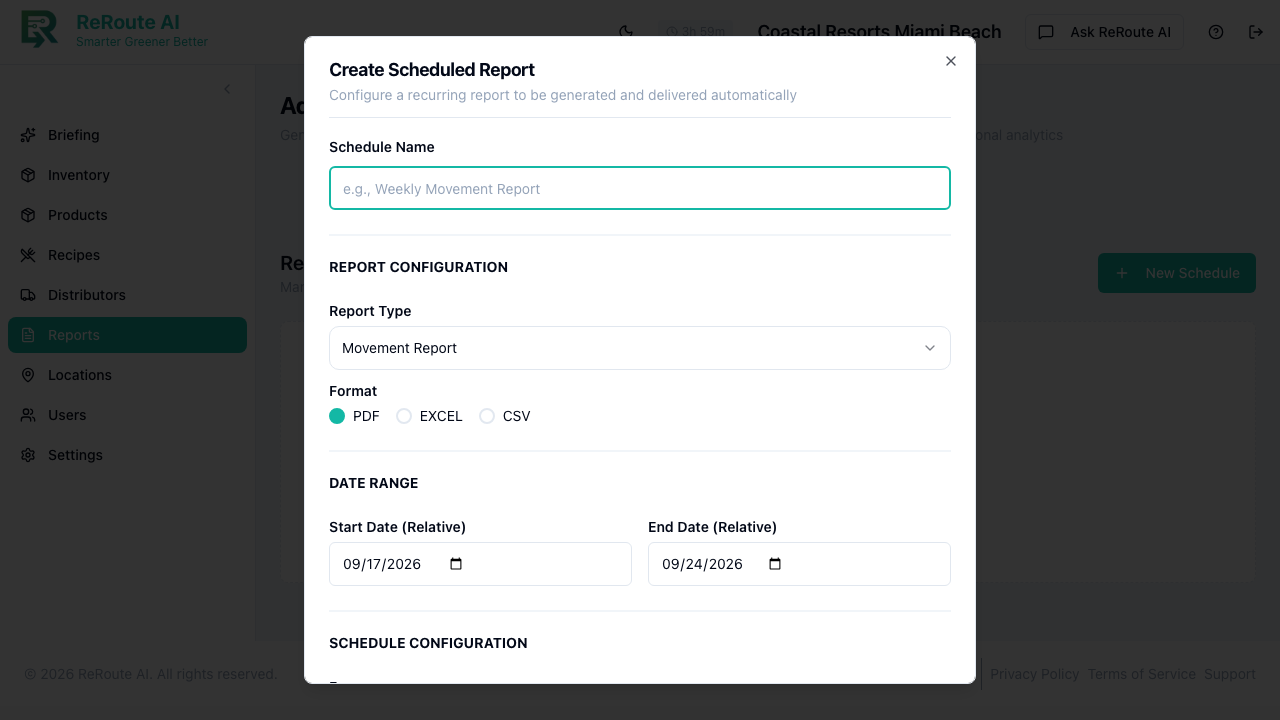
Steps
-
Click Reports in the left sidebar.
-
On the Generate tab, configure your report the same way you would for a one-time report:
- Select the Report Type (e.g., Sustainability Report, Movement Report, Usage Report).
- Set the Organization Type and Date Range pattern.
- Choose the Format (PDF, EXCEL, or CSV).
- Toggle Custom Branding on or off.
-
Instead of clicking "Generate Report," click the Schedule Report button.
-
Configure the schedule:
- Frequency -- how often the report should run (e.g., daily, weekly, monthly).
- Day/Time -- when the report should be generated and sent. For weekly reports, pick a day of the week (e.g., every Monday morning).
- Recipients -- email addresses that should receive the report.
-
Click Save Schedule.
Managing scheduled reports
- Go to the Schedules tab on the Reports page to view all active schedules.
- You can edit, pause, or delete any scheduled report from this tab.
- Past deliveries appear in the History tab alongside manually generated reports.
tip
A good starting cadence is a weekly Sustainability Report on Mondays and a monthly Movement Report on the first of each month. This gives your team regular visibility without information overload.