How Inventory Works
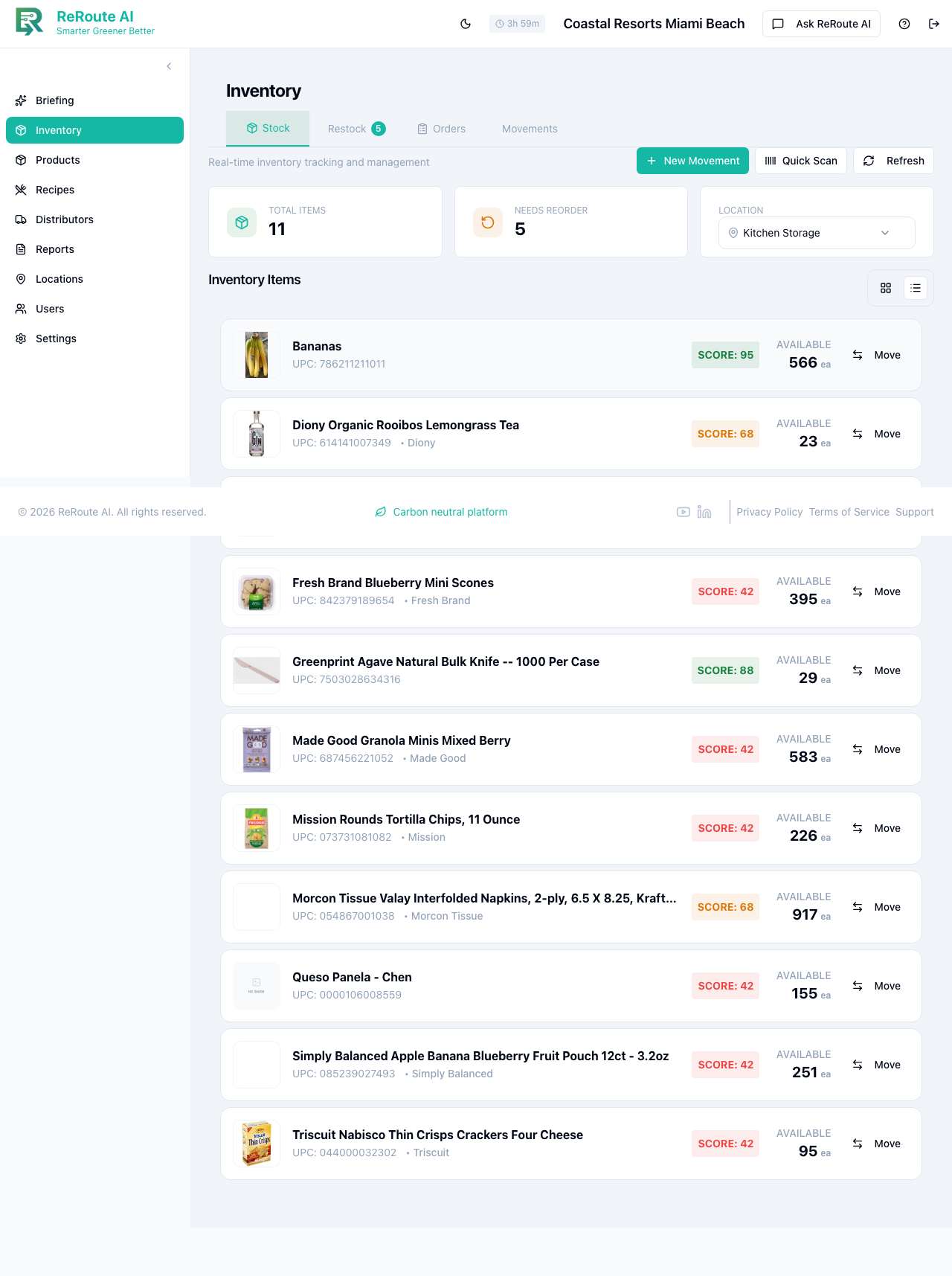
ReRoute AI tracks your inventory in real time so you always know exactly what you have on hand, what is committed to in-progress transfers, and what is truly available to use or move.
Three Quantity Types
When you view an inventory item, you will see three numbers:
-
Current quantity -- The physical count of items at your location. This is what you would see if you walked into the storage room and counted everything on the shelf.
-
Reserved quantity -- The amount that is already committed to in-progress transfers. These items are physically still at your location but are spoken for and on their way out.
-
Available quantity -- The amount you can actually use or transfer right now. This is calculated as:
Available = Current - Reserved
For example, if you have 100 cases of cups on the shelf (current) and 30 are reserved for a transfer to another location, your available quantity is 70. You can only create new transfers for up to 70 cases.
Why This Matters
Without the reservation system, two managers could accidentally commit the same inventory to different transfers. Imagine your warehouse has 100 units. Manager A starts a transfer for 60 units, and Manager B starts a transfer for 60 units. That is 120 units committed from a stock of 100 -- a recipe for shortages and confusion.
ReRoute AI prevents this by reserving inventory the moment a transfer begins. After Manager A's transfer reserves 60 units, the system shows only 40 available. Manager B's request for 60 units would be rejected with a clear message explaining the shortfall.
Par Levels
A par level is the minimum quantity you want to keep in stock for a given product at a specific location. You set par levels based on your expected usage. For example, if your restaurant goes through about 50 cups per day and your supplier delivers every three days, you might set a par level of 200 cups to cover three days of usage plus a safety buffer.
Par levels serve as the baseline for low stock alerts and demand forecasting recommendations.
Low Stock Alerts
ReRoute AI monitors your available quantity (not just the current count) against your configured thresholds. You can set two thresholds per product:
- Low stock threshold -- Triggers a "Low Stock" warning. For example, set this to 25 if you want a heads-up when available stock drops to 25 units.
- Critical stock threshold -- Triggers an urgent "Critical" alert. Set this lower than your low stock threshold for situations that need immediate attention.
When your available quantity drops below a threshold, you receive a notification through the app, and optionally by email or SMS.
Alert Deduplication
To prevent notification fatigue, ReRoute AI uses a 24-hour deduplication window. If an item triggers a low stock alert, you will not receive another notification for the same item within the next 24 hours, even if the quantity continues to drop. After 24 hours, if the item is still low, the system sends a fresh alert. If you restock the item during that window, the deduplication resets and you receive a replenishment confirmation instead.
Viewing Your Inventory
On the Inventory page, each product shows its available quantity prominently. You can hover over the number to see the full breakdown of current, reserved, and available quantities. If an item has active reservations, you can see which transfers those reservations belong to and how long they have been in progress.